Clear clutter
Decide what to keep, donate, sort, or put away. Get steps that work with your existing storage.
 DeclutterGet Declutter
 Your home organization app for the rooms you live in.
Make a daily plan, build a routine, or start with a photo.
 For iPhone & iPad
Put away what belongs elsewhere. Keep the things you reach for.
Five minutes or a little longer? Set the time you have. Declutter brings together a manageable daily plan from your rooms and tasks.
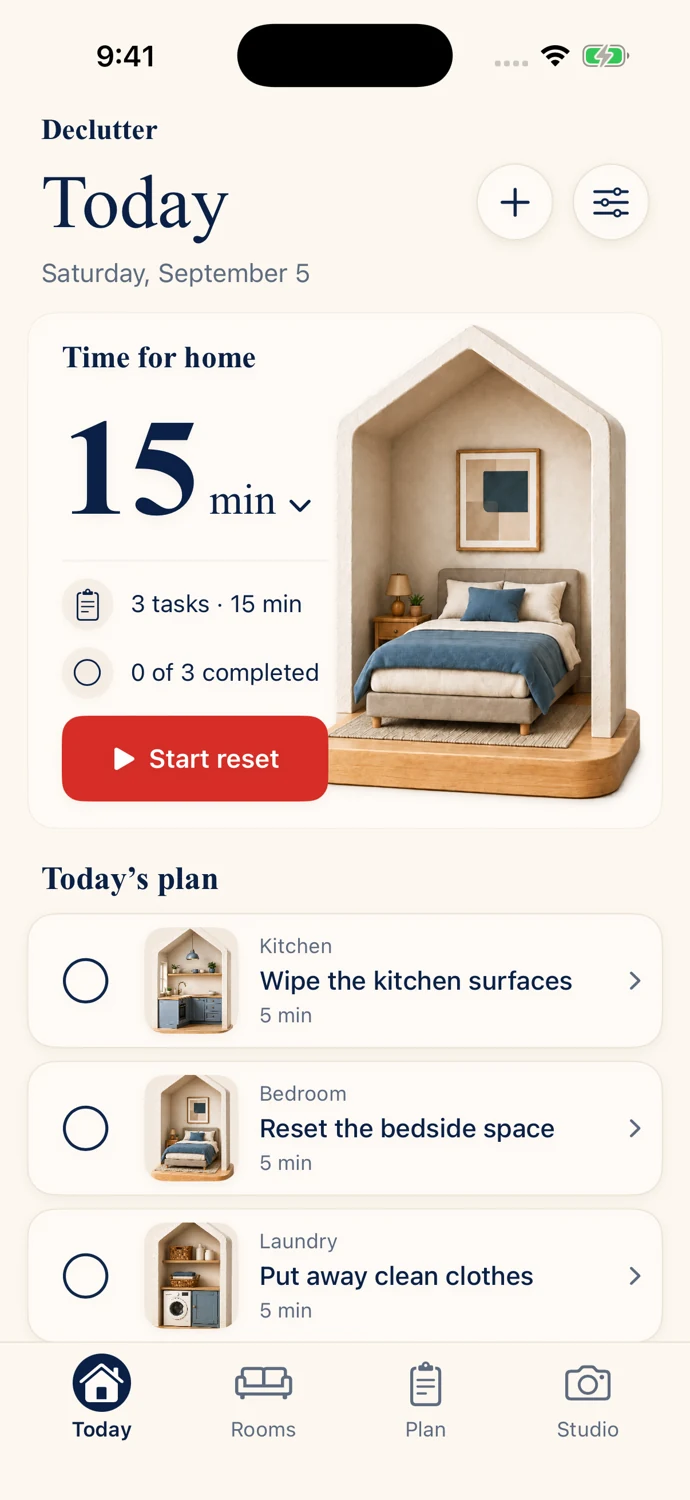
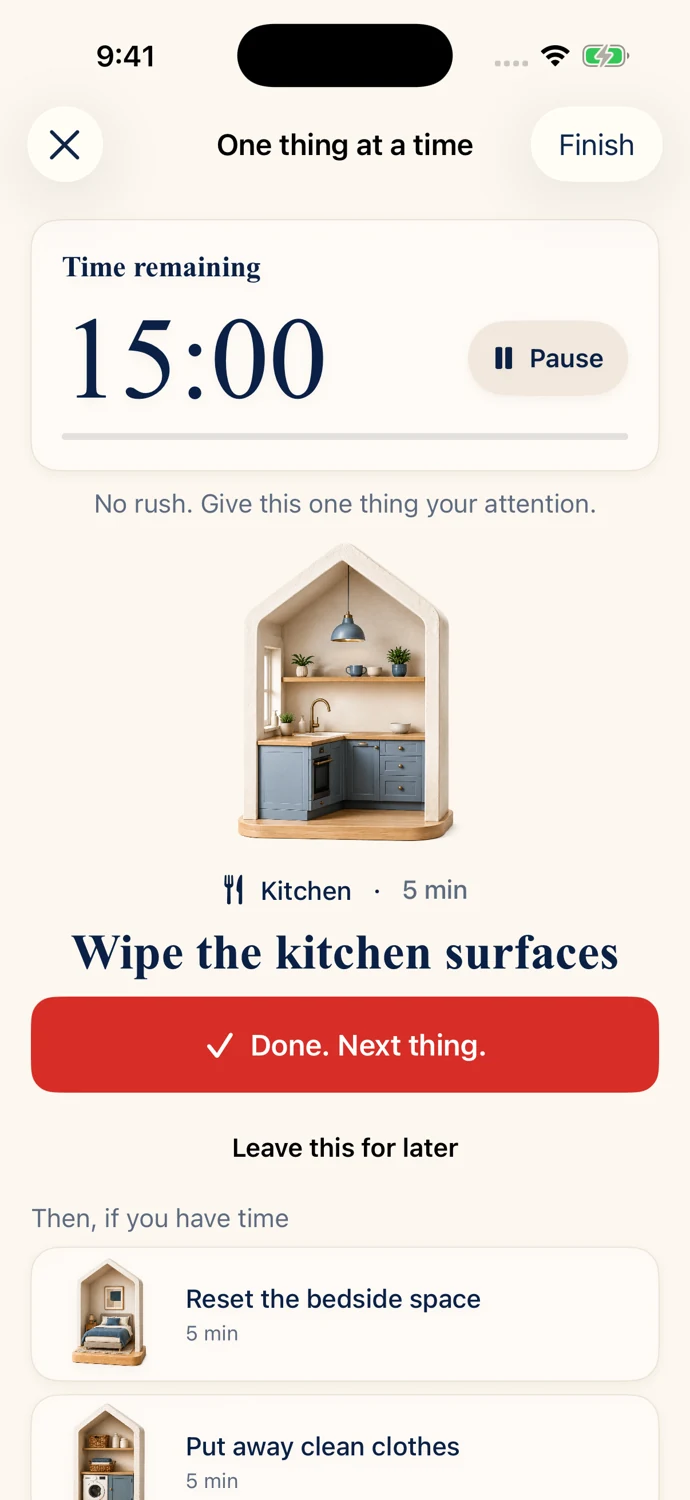
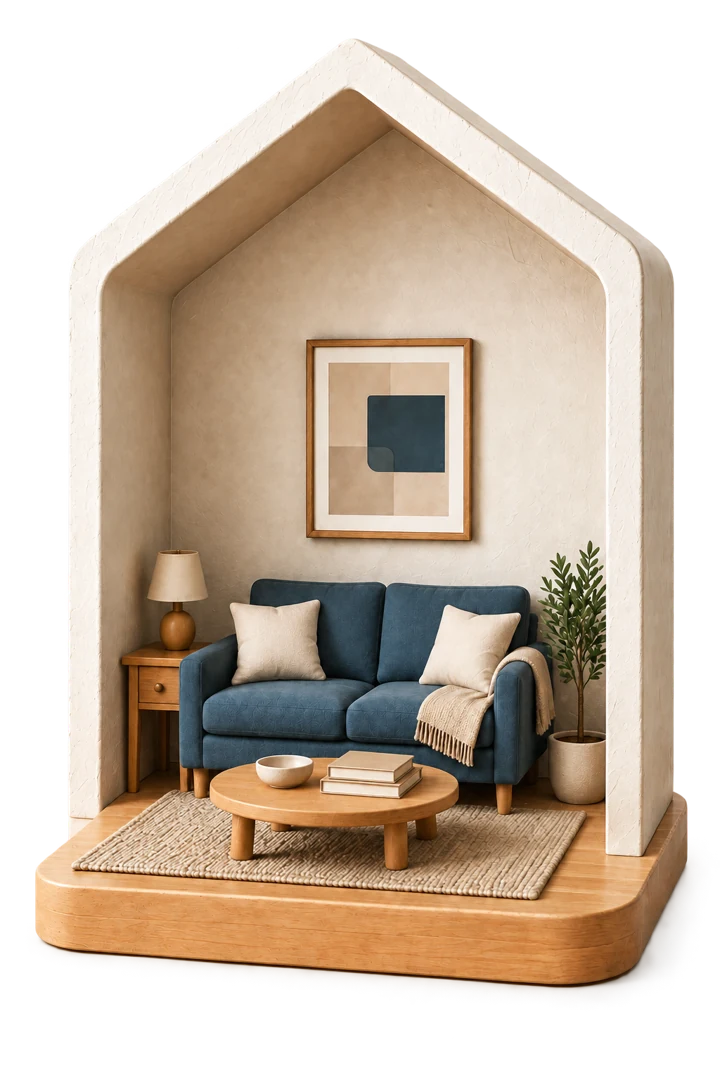
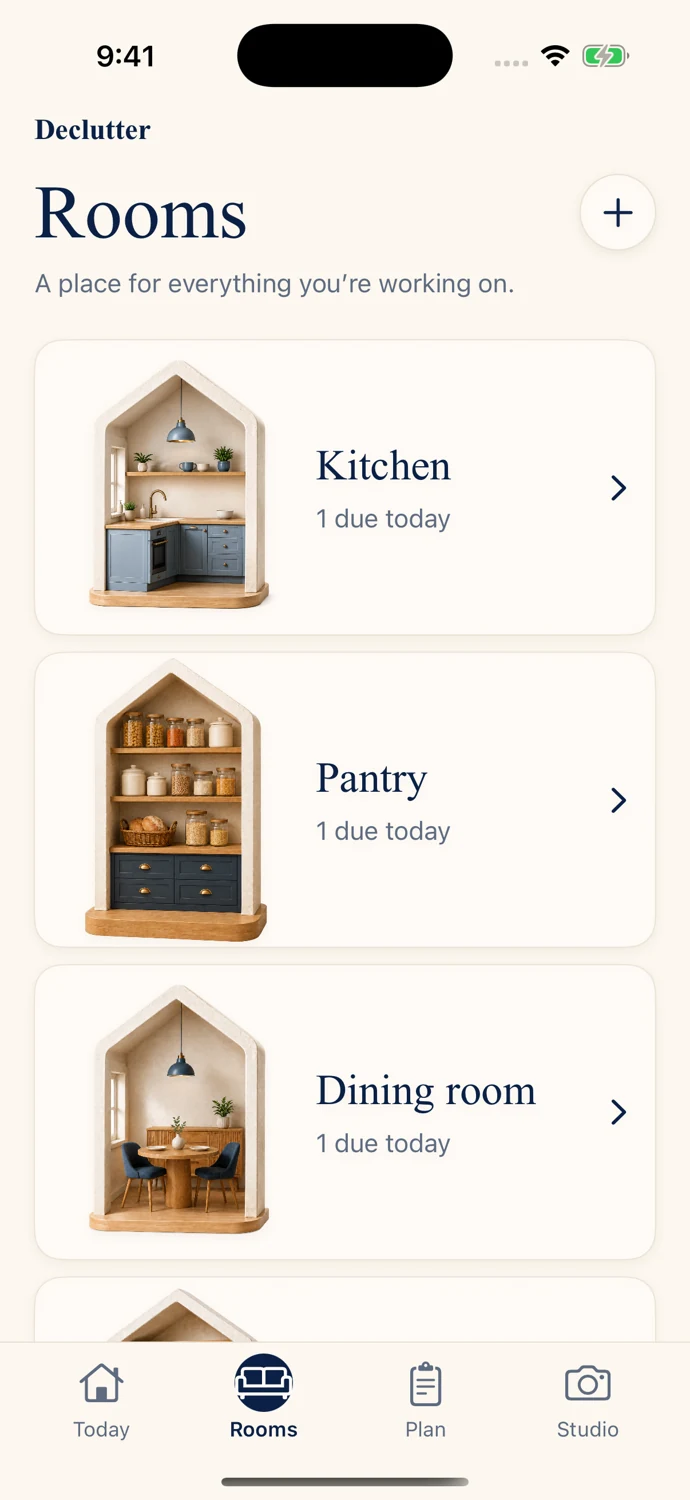
The kitchen needs a quick wipe. The wardrobe needs a rethink. Give each space its own tasks and schedules, instead of one endless household list.
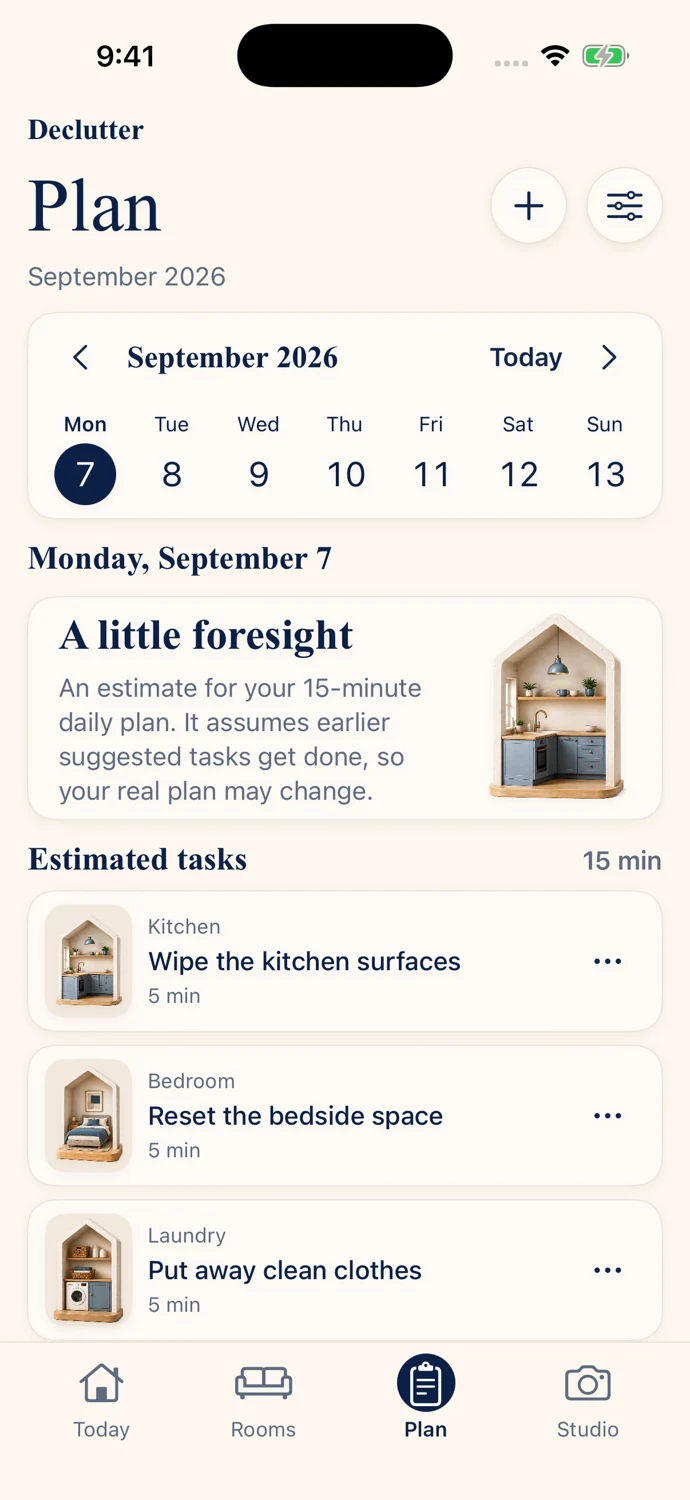
Repeating tasks follow when you actually complete them. Plan shows what is coming up and what you have already done.
Your home-care routine works offline and stays on your device.
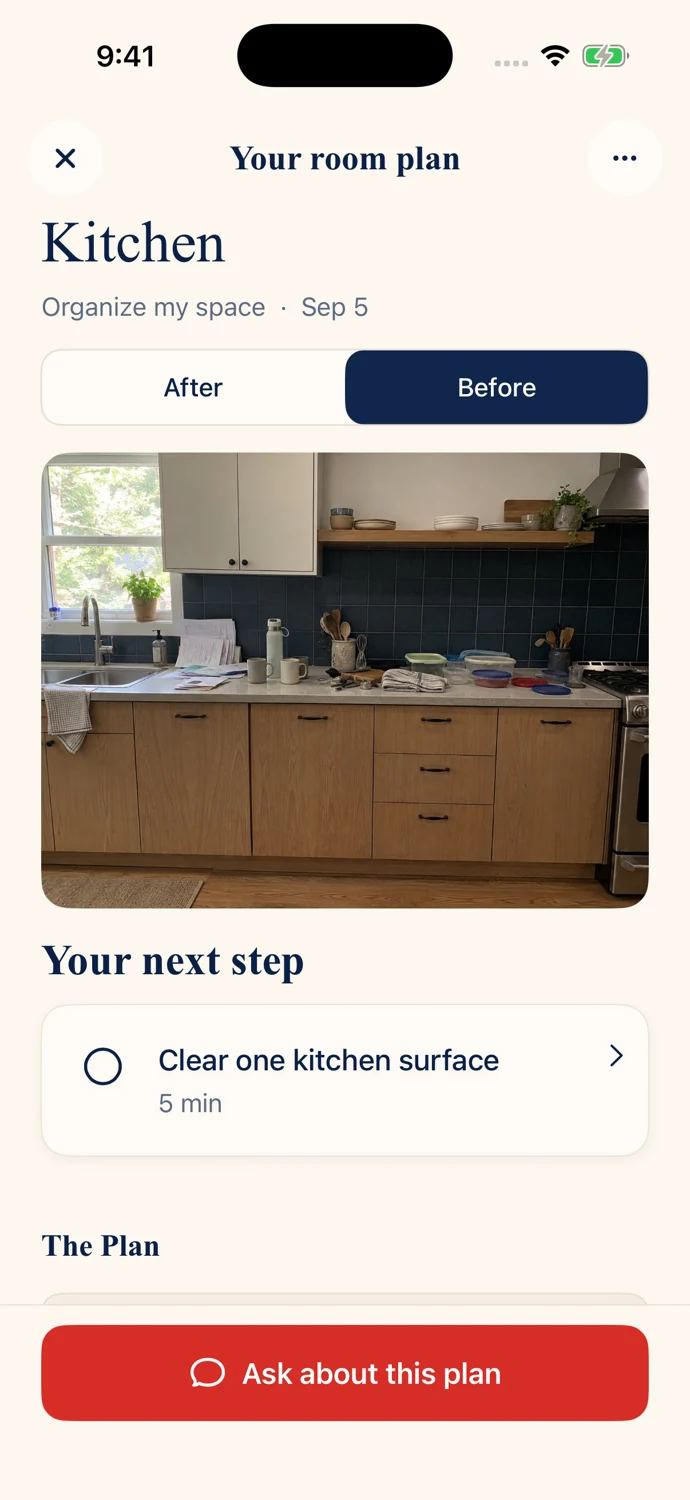
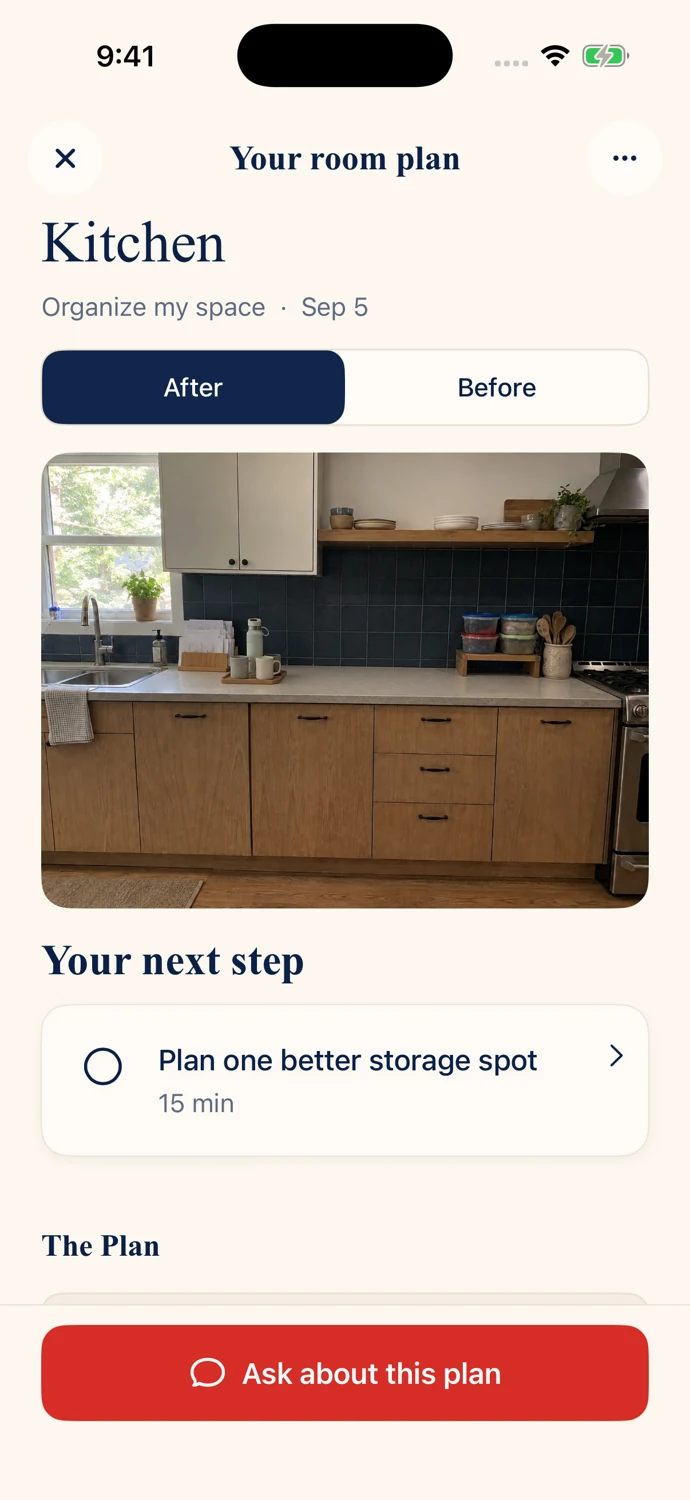
When you cannot see where to start, let Declutter look with you. Get a practical checklist from your room photo, then generate a preview of the plan.
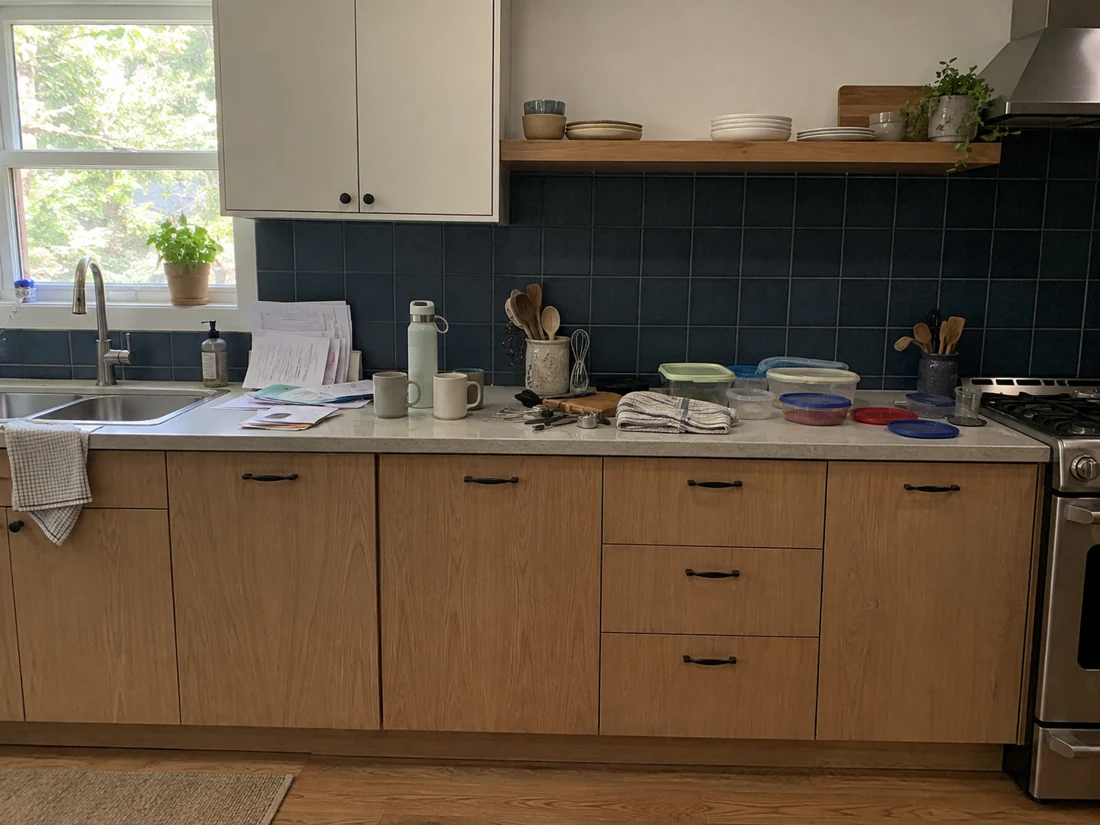
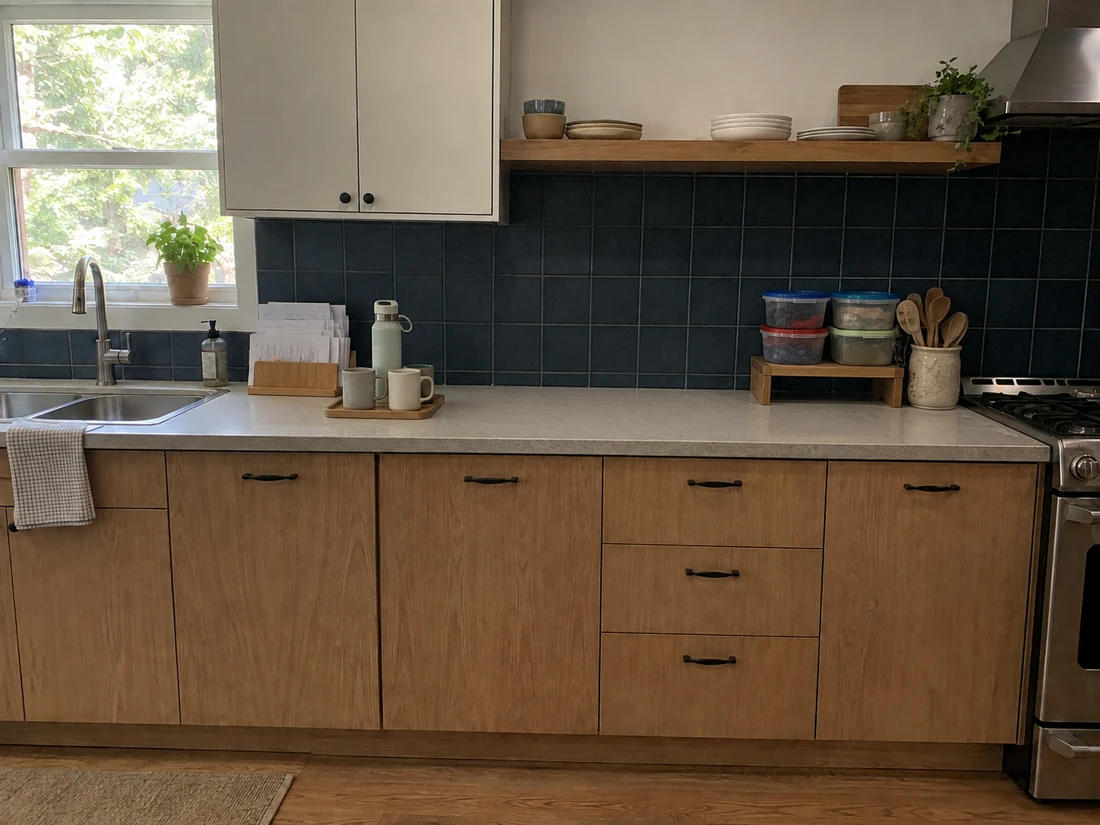
A place for your rooms, your plans, and the progress you make along the way.
Free to download. No need to organize the whole house on day one.
Tasks, repeating schedules, daily plans, and guided resets for one complete room.
Add more rooms and unlock photo analysis, full photo plans, generated previews, and room chat.
Your first photo project includes a limited preview. Full photo results and further photo projects require Pro. Subscription pricing is shown in the app before purchase.
Practical guides for a smaller list and a more usable home.
All home organization guidesDeclutter is a home organization app for iPhone and iPad. Organize rooms and tasks, make daily plans for the time you have, follow guided resets, or use a room photo to create a decluttering or organizing checklist.
Declutter is free to download. One complete room includes tasks, repeating schedules, daily plans, and guided resets. Your first photo project includes a limited preview. Declutter Pro unlocks additional rooms, full photo results, further photo projects, and room chat. Subscription pricing is shown before purchase.
Your daily plan gathers a manageable amount of work from your room tasks based on your available time. Repeating tasks have their own schedules, which follow when you actually complete them. Plan separates upcoming estimates from recorded completion history.
Yes. Choose Clear clutter to get steps for sorting, donating, and putting things away, or Organize my space for arrangements and storage ideas. Declutter creates a checklist from your original photo. You can also generate a preview of the plan and add selected steps to room tasks.
Rooms, home-care tasks, schedules, daily plans, and resets work offline and are stored on your device. Photo analysis, generated previews, and room chat need an internet connection. Home-care data does not currently sync between devices.
Yes. Declutter is available for iPhone and iPad. Download it from the App Store to see compatibility requirements for your device.
Start with one room and one small step.